










1v1 video chat with 200 free coins — 1 on 1 video calls in your browser
GoLive Chat is a 1v1 video chat in your browser: a 1 on 1 video call with one person at a time. New users get 200 free coins. No app installation is needed; an Android app is also available.
What is 1 on 1 Video Chat?
1 on 1 video chat is a form of videotelephony in which exactly two people talk face to face over live video. Unlike group calls or open chat rooms, your camera, your microphone and the conversation are shared with one partner only, so live interaction feels closer to an ordinary talk than to a broadcast.
On GoLive Chat, a 1v1 video chat starts in your browser: you allow camera access, press Random match and talk with one person. When the conversation ends, you move on to the next one or continue in a text chat with someone you liked. This kind of video communication stays between the two of you.
Benefits of One-on-One Chats
A one-on-one call removes the noise of group rooms and feeds, which makes direct communication easier:
- Full attention. There is one partner on screen and no audience, so you can listen and answer without distractions.
- Trust at your own pace. A face and a tone of voice say more than a profile photo, which helps you decide whether to keep talking.
- Easy to end. If a conversation does not fit, you leave it politely and start the next one, without explaining yourself to a group.
- More than online chat. Text messages and social media posts are useful, but a live video call shows how a conversation really feels, and a good talk can continue later in messages.
- A free start. New users receive 200 free coins at registration. Coins are used for features such as calls, messages and gifts; check the conditions shown in GoLive Chat before using a feature.
How 1 on 1 Video Chat Works
GoLive Chat runs on WebRTC, the web standard that lets a browser send live camera and microphone streams. Nothing has to be installed: the call starts in a current browser such as Chrome, Safari or Edge once you allow access.
- Open web.golive.mobi on your phone or computer. New users get 200 free coins at registration.
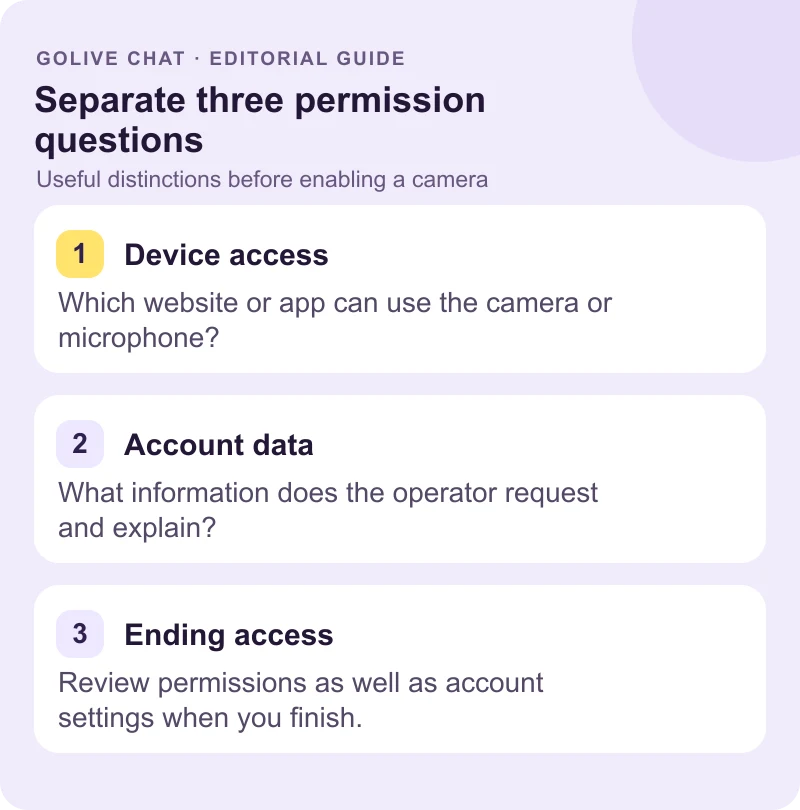
- Accept the community rules (18+) and allow the camera and microphone when the browser asks. You can change this permission later in the browser settings; if no prompt appears, open the site settings next to the address bar.
- Press Random match. Choose who you would like to meet and from which country, or keep the global setting, and GoLive Chat connects you with one partner.
- Talk, send a message or a gift, then end the call or go to the next partner.
FaceTime and similar apps call people you already know. A 1 on 1 video chat such as GoLive Chat is made for meeting someone new in the same face-to-face format. Calls are relayed through GoLive Chat media servers rather than a direct peer-to-peer link, and the video adapts to the speed of your connection. 1v1 video call without an app →
Global Connectivity with 1 on 1 Video Chat
People open GoLive Chat in many countries and languages, so a 1v1 video chat can turn into a cross-cultural conversation: you can practise a language, compare daily routines or hear how life looks somewhere else. Pick a country in the match filter or browse profiles by country in Explore. A shared language is not required: short questions, a smile and a little patience go a long way, and many conversations move into English when both people need a common language. Curiosity about the other person's country is usually the easiest opener.
Random chat sites such as Chatroulette and Omegle made talking to strangers popular, but they mixed everyone in one stream. Many people now look for Omegle alternatives with clearer rules, an adults-only policy and a one-to-one video format. Our country guides cover access and conversation tips; they do not promise that someone from a particular place is online.
Safety and Privacy in 1 on 1 Video Chat
Every user accepts the Community Guidelines before the first call: GoLive Chat is for adults (18+), and nobody may harass, threaten or pressure another person. Several safety measures work during a call:
- Face in frame. In random calls the partner's video stays covered until both faces are visible, so each person sees who they are talking to.
- Report and block. The menu in every call and chat lets you report a profile for moderation or block it.
- No recording. Screenshots and screen recording of calls are not allowed.
- Leave at any time. End a call at once and move on; nobody is notified why you left.
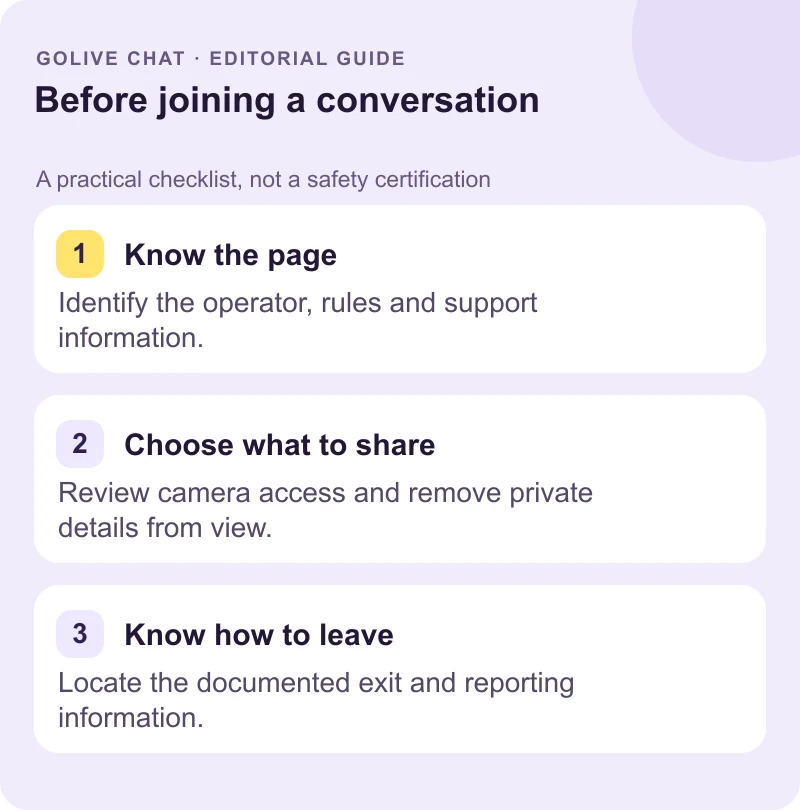
Keep private details such as your full name, address, accounts and codes out of the conversation and out of the camera view. Read the safety center before your first call: rules and reporting reduce risks, but no service can guarantee another person's behaviour.
User Experience and Features
GoLive Chat keeps the call screen simple: the partner's video, your own preview in the corner and only the controls you need, so the conversation stays in focus. Around the calls you will find:
- Random match with gender and country filters, so you decide who you would like to meet.
- Explore with video profile covers, country tabs and a Swipe mode for browsing one profile at a time.
- Messages and gifts in chats and during calls, to say thank you or keep a conversation going.
- Private calls to a profile you found in Explore, without waiting for a random match.
- Desktop layout with keyboard shortcuts: Esc ends a call and the right arrow moves to the next partner.
The same account works across all of these features, and a good call can continue in Messages afterwards. Comparing services? These guides look at other Omegle alternatives and chat formats:
Accessibility and Device Compatibility
Because it runs on WebRTC, the 1 on 1 video chat works in a current web browser on Android phones, iPhones, tablets and computers. On a phone the call fills the screen; on a large screen the partner and your camera appear side by side. No plugin, extension or account email is required.
Prefer a mobile app? The GoLive Android app is available from the official Google Play listing. Good front lighting and a stable connection make the video clearer on any device. If the picture freezes, move closer to the router or switch from mobile data to Wi-Fi.
Conclusion: Start Your Video Chat Experience Today!
A 1 on 1 video chat is the most direct way to meet someone new online: one partner, live video and nothing to install. Open GoLive Chat in your browser, allow the camera and start talking. New users get 200 free coins, so your first 1v1 video chat can begin right away.
Frequently asked questions
What is 1 on 1 video chat?
It is a live video conversation between exactly two people. On GoLive Chat it runs in your browser: you allow the camera, press Random match and talk face to face with one partner, then move to the next conversation or continue in a text chat.
How do I start a 1 on 1 video chat?
Open web.golive.mobi, accept the 18+ community rules and allow camera and microphone access when the browser asks, then press Random match. GoLive Chat uses WebRTC, so no app installation is needed. New users get 200 free coins at registration.
Is 1 on 1 video chat safe?
GoLive Chat is for adults only, and every user accepts the Community Guidelines. In random calls the partner stays covered until both faces are in frame, and you can report or block a profile from the menu. Keep private details out of view and leave any call that feels wrong.
Can I connect with people globally through video chat?
Yes. GoLive Chat is used in many countries, and you can choose a country in the match filter or browse Explore by country. A match from one particular country is not guaranteed at any given moment, so the global setting gives you the widest choice.
What features should I look for in a video chat platform?
Look for an adults-only policy with clear rules, report and block tools, control over your camera and microphone, and simple access in the browser. GoLive Chat adds country filters, messages and gifts, and new users get 200 free coins.