Free live video call with new people — 200 free coins, no app, in your browser
Updated 2026-09-22
You don't need to buy anything to make your first video call on GoLive. Open the site, tap Start, and your first 10 random video calls are free. On top of that you get 200 free coins for Super Match, gifts and private calls.
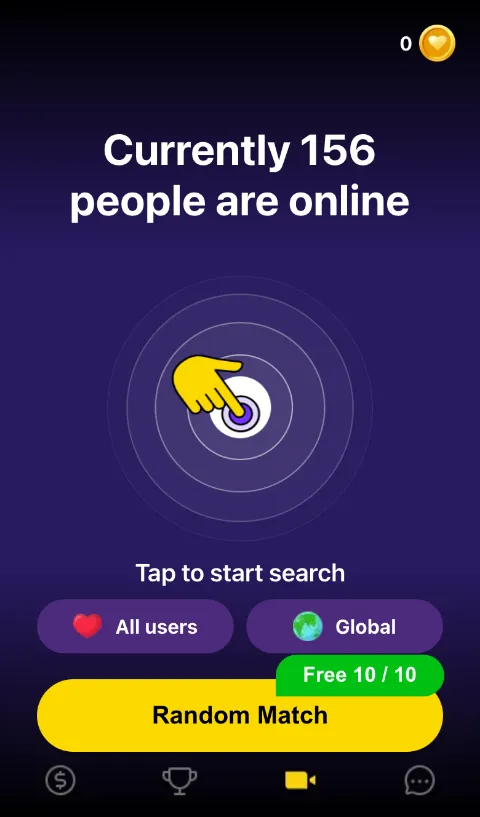
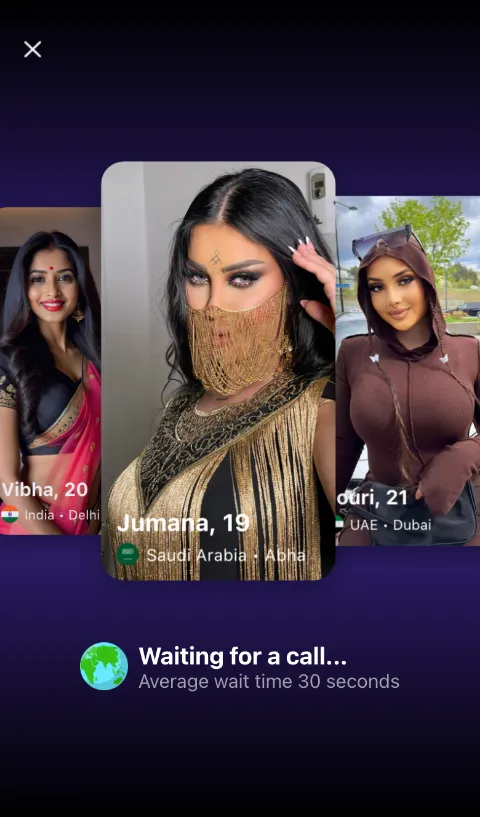
How to start a free video call
- Go to web.golive.mobi on your phone or computer.
- Tap Start and allow camera and microphone access.
- Tap Random Match — you're connected to a person who is online now.
There is no download and no password. The whole flow takes under a minute on a normal mobile connection.
Free video call vs. coins: what actually costs money
A lot of "free video call" apps hide the cost until you're inside. Here is the full list for GoLive:
| Action | Cost |
|---|---|
| Random 1v1 video call | First 10 free for new users, then 5 coins per call |
| Country filter | Free |
| Text messages | Free |
| Super Match | 20 coins |
| Private call to a person you choose | From 120 coins balance |
| Gifts | Priced per gift |
Your 200 welcome coins cover the first Super Matches. Coin packs start at $2.99 if you want more.
Video call quality and what you need
- Browser: Safari on iPhone, Chrome on Android or any modern desktop browser.
- Connection: 4G or Wi-Fi. Video adapts to your bandwidth automatically.
- Permissions: camera and microphone. You can turn your camera off during a call.
- No install: nothing is written to your phone except a small cookie that keeps you signed in. You can also add GoLive to your home screen as a web app.
Live video call with people from a specific country
Use the country filter to call people from the United States, the United Kingdom, India, Egypt, Germany, the Philippines and 100+ other countries. Filtering is free; matching speed depends on how many people from that country are online at the moment.
Video chat by country
The country filter is free. Country guides — time zones, peak hours, languages and how to pay for coins locally:
FAQ
Is the video call really free?
Yes. Your first 10 random 1v1 video calls are free, then each costs 5 coins; new users also get 200 free coins. You only spend coins on private calls to a chosen person and on extras.
Do I have to register to make a video call?
No registration form. Tap Start and an account is created automatically; you can delete it at any time from your profile.
Does GoLive work on iPhone without an app?
Yes. GoLive works in Safari on iOS and in Chrome on Android — no App Store or Play Store download.
Can I make a video call without showing my face?
You can turn your camera off during a call, but most people prefer to talk face to face and may skip a call with no video.
No app, no password — open GoLive Chat in your browser and get 200 free coins to start.
Start 1v1 video chat — get 200 free coins