
What to Say on 1V1 Video Chat: Setup, Workflow and Selection Criteria
Published 2026-09-22 · Updated 2026-10-25
If you are exploring 1v1 chat, prepare one easy question rather than a speech. Say hello, give the other person room to choose a topic and follow something they actually tell you. This guide offers original opening questions, follow-ups and two short illustrative dialogues for adults. They are starting points to adapt, not scripts that guarantee a reply or stop someone leaving. A comfortable exchange can also be brief, and either person can decide to end it.

Key Takeaways
- Open with a greeting and a question that leaves room for an ordinary answer.
- Use a detail from the reply for your follow-up rather than moving through a fixed interview list.
- Keep exact location, private contact details and account information out of casual introductions.
- Offer a different topic or a pause instead of guessing what a short answer means.
- A polite ending is useful when it feels appropriate; you can also leave immediately when you need to protect your comfort or safety.
Defining Effective 1v1 Video Chat Communication
A useful opening gives the other person a choice. “Up for a light conversation?” sets a different tone from demanding a name, an exact location or a particular kind of response. You can introduce yourself with as much or as little detail as you are comfortable sharing. There is no need to turn a first greeting into an exchange of identifying information.
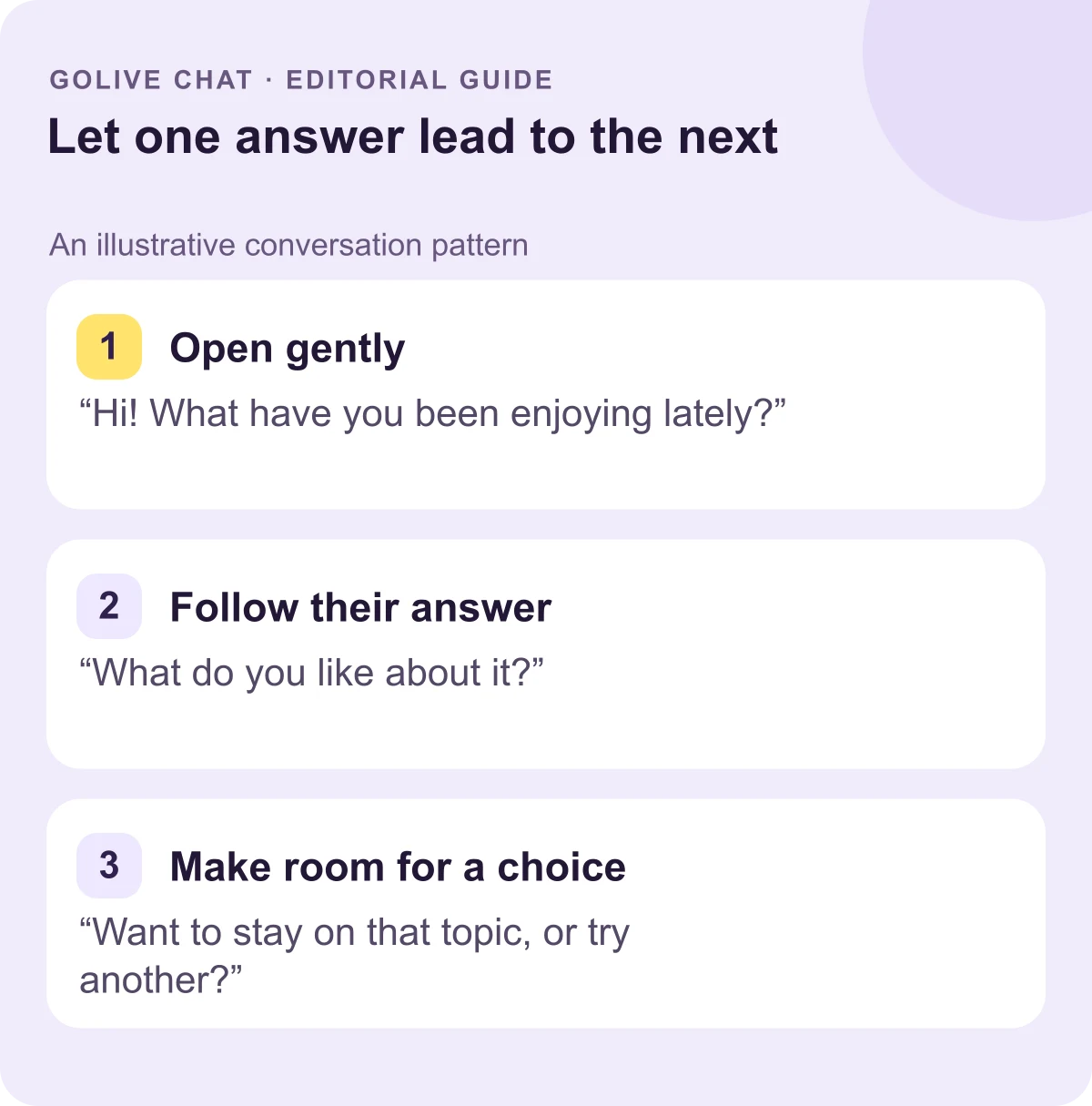
Think of the conversation as something you build together. An open question supplies a starting topic; listening gives you the next one. If somebody says they have been learning to cook, you can ask what they tried rather than abandoning that answer for the next question you prepared. You can also share a small related thought of your own, so the exchange does not become an interview.
The advice concerns conversation rather than a particular app function. GoLive Chat confirms browser access without installation and an optional Android app [2]; those describe access choices. The 1v1 video chat guide discusses the format separately. No preference about a device tells you what another person will want to discuss.
Structuring Your Conversation Flow
Prepare a flexible sequence, then let the reply change it. It can help to have a greeting, a topic and an ending in mind, but you do not need to complete all three if the interaction changes. Someone may be quiet, distracted or simply interested in something else. A short answer is a reason to clarify or offer a choice, rather than diagnose how they feel.
- Greet and invite. Try a simple hello followed by “Up for a light chat?” Give the other person space to respond.
- Offer an easy topic. An interest, a small discovery or something enjoyable that day gives them several possible answers.
- Follow one detail. Ask about something in the reply instead of switching immediately to an unrelated question.
- Contribute a little. A short related thought from you can keep the exchange from becoming a string of demands.
- Check the direction. If the topic runs out, offer another one or ask whether they would prefer to finish.
- End clearly. When appropriate, thank them and say you are heading off. You do not owe a long justification.
For example, “I’ve been listening to jazz” can lead to a question about a favourite instrument, a recent discovery or how they found that music. Choose one direction, not all three at once. The person’s answer should guide whether you stay with it or change subjects.
Keep product offers in their own context. GoLive’s 200 free coins are a stated registration offer for new accounts; the welcome-offer information explains that amount. The examples in this guide are general conversation suggestions, separate from any expectation about what a particular feature includes.
Key Elements of Engaging Dialogue
The following questions are original examples. Pick one that interests you, change the wording to sound like yourself and listen to the answer. Reading through the entire list would turn a conversation into a questionnaire. A broad question also gives someone the option to stay with an ordinary interest instead of disclosing private details.
Easy subjects to start with
- What small thing made your day better?
- What music have you been returning to lately?
- Which meal would you happily learn to cook?
- What kind of place helps you relax?
- Which film would you enjoy discussing without spoilers?
- What hobby would you like to understand better?
- What is one everyday skill you would like to improve?
Follow-ups that leave room for an answer
- What first caught your interest in it?
- Which part do you enjoy most?
- What surprised you when you tried it?
- What would you tell somebody just starting?
- Is there a small example you could share?
- Would you try something similar again?
- What would you like to explore next?
The second group belongs after an answer, rather than at the start of every encounter. If a person mentions an interest, choose a follow-up that fits that interest. You can also say “I don’t know much about that — what do you like about it?” Curiosity does not require pretending to share an experience you have never had.
For a language barrier, use shorter sentences and one question at a time. You can ask whether another wording would help instead of correcting somebody’s accent or assuming their nationality. A choice between two light topics can be easier to answer than a long, multi-part question. If communication still feels difficult, a kind ending remains an option.
Applying Conversational Techniques in Practice
These two dialogues are illustrative examples, not testimonials or results from a product test. They show how a reply can supply the next question. The names of the speakers are simply labels; no claim is made that these exchanges occurred on GoLive or that a particular reply should be expected.
Example: follow the detail you are given
A: Hi! What is one good thing from your day?
B: I tried making pasta.
A: Did you follow a recipe or improvise?
B: A recipe. I’m still learning.
A: Same here. What would you like to try next?
The follow-up stays with the answer instead of demanding unrelated personal information. You could offer your own small cooking story at that point. If the other person changes the topic, you can follow the new direction rather than insisting on finishing the sequence you planned.
Example: make the question easier to answer
A: Hi! Up for a light conversation?
B: My English is not great.
A: We can use short sentences. Music or food?
B: Music.
A: What kind do you like?
A simpler choice gives the person room to continue without a long explanation. It is an option to offer, not a requirement that they stay. “No problem — have a good day” is also a complete and considerate response if either person wants to finish.
Repair a question without pressure
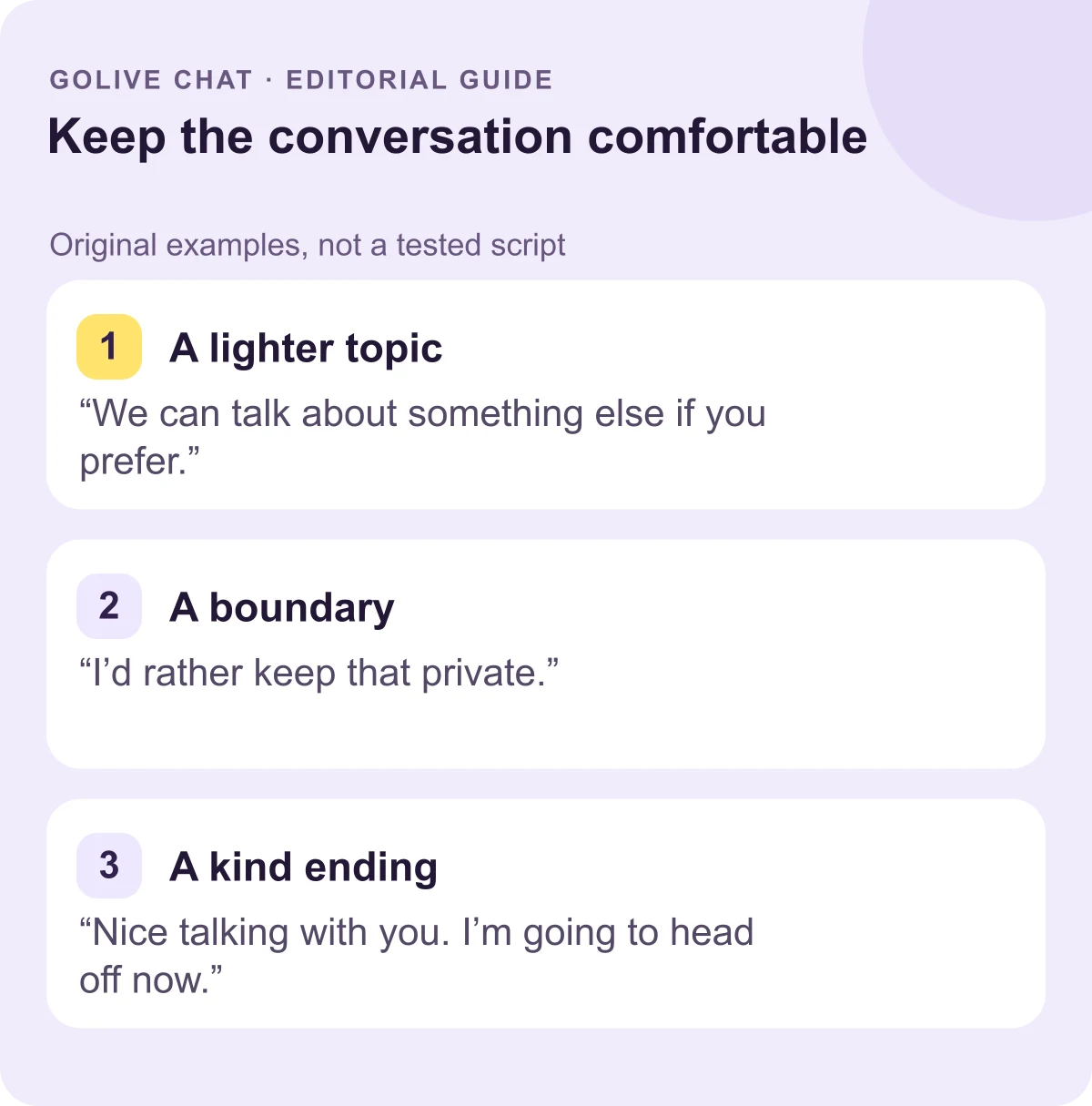
You can acknowledge an awkward moment briefly instead of demanding an explanation. Choose wording that gives the other person space to decline, then respect the answer. A repair is an invitation to change direction, not a way of insisting that the conversation continue.
- After a personal question: “Sorry, that was personal. We can skip it.”
- When someone keeps a detail private: “No problem. We can keep it general.”
- When you want a different subject: “I’d prefer a lighter topic.”
- When you want to leave: “Thanks for chatting. I’m going to head off now.”
For your own boundary, “I’d rather keep that private” is enough. You can offer another ordinary topic if you want to continue, but there is no obligation to replace a declined answer with different private information. If the interaction becomes pressuring, leaving remains an option. You do not need to supply a personal excuse or stay just to make the ending sound perfectly polite.
Conclusion
Start with one easy question, listen for a detail and give the other person room to choose. A friendly exchange does not need to be long, and an ending can be clear without an elaborate explanation. For GoLive’s stated registration offer of 200 free coins, browser access and optional Android route, visit the official 1v1 video call page.
Sources
FAQ
What should I say first?
Try a simple hello and one invitation to talk, such as “Up for a light chat?” Then choose an ordinary topic that gives the other person room to decide what to share.
What if the reply is only one word?
Offer one easier question, a choice of topics or a pause. Avoid treating a short answer as proof of somebody’s feelings. Either person can also decide to end the exchange.
Should I prepare a whole script?
A greeting, a topic and a closing phrase can be useful to have in mind. Let the actual reply guide the conversation instead of treating a prepared list as an interview to complete.
How do I handle a language barrier?
Use shorter sentences and one question at a time. Ask whether another wording would help. There is no need to correct an accent, assume a nationality or keep a conversation going if either person prefers to stop.
How can I end politely?
“Nice talking with you. I’m heading off now” gives a clear ending. When you feel pressured or unsafe, you can leave without waiting to find the perfect phrase.
New users get 200 free coins when they register with GoLive Chat. GoLive Chat works in the browser without installation. An Android app is also available.
Start 1v1 video chat — get 200 free coins